Insights
Field notes on reliable, trustworthy, AI-ready data
Write-ups of things built and tested on Microsoft Fabric and Power BI, including what needs fixing before any of it goes near a client's production process.
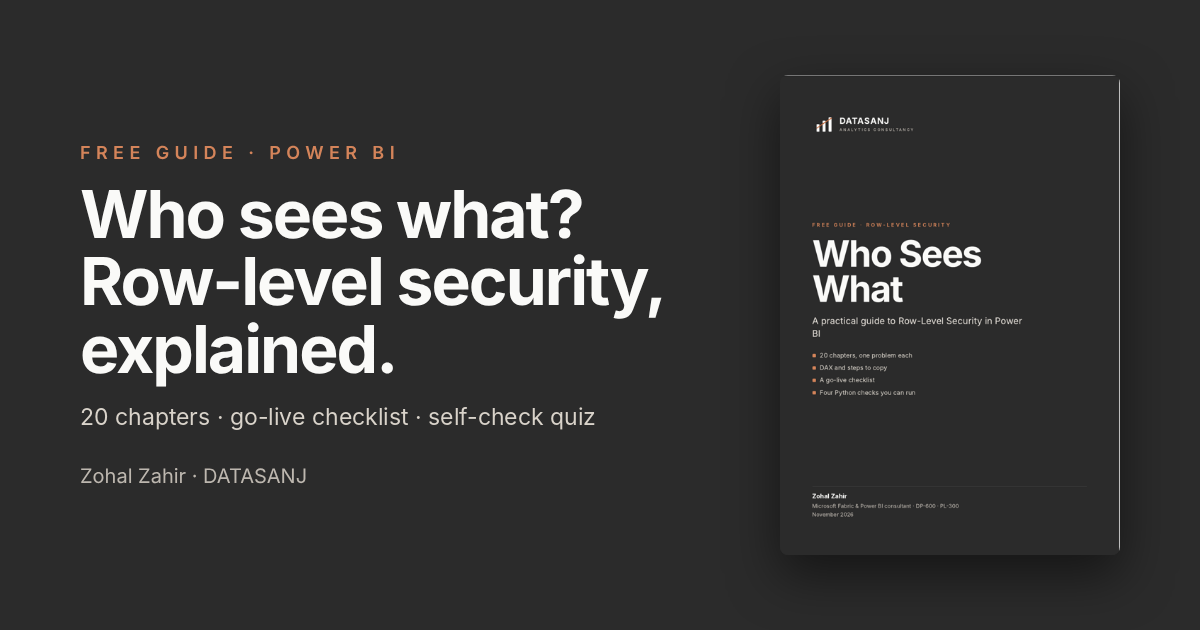
Who sees what: row-level security in Power BI, explained
Static and dynamic RLS, how the filter travels, who bypasses it, storage modes and deployments. Plus the full 20-part series as a free guide with a go-live checklist.
Read the guide →A Power BI supply chain dashboard you can ask questions
Demand, forecast accuracy and stock risk in one report, with an AI assistant built in. Try the live report in the post.
Read →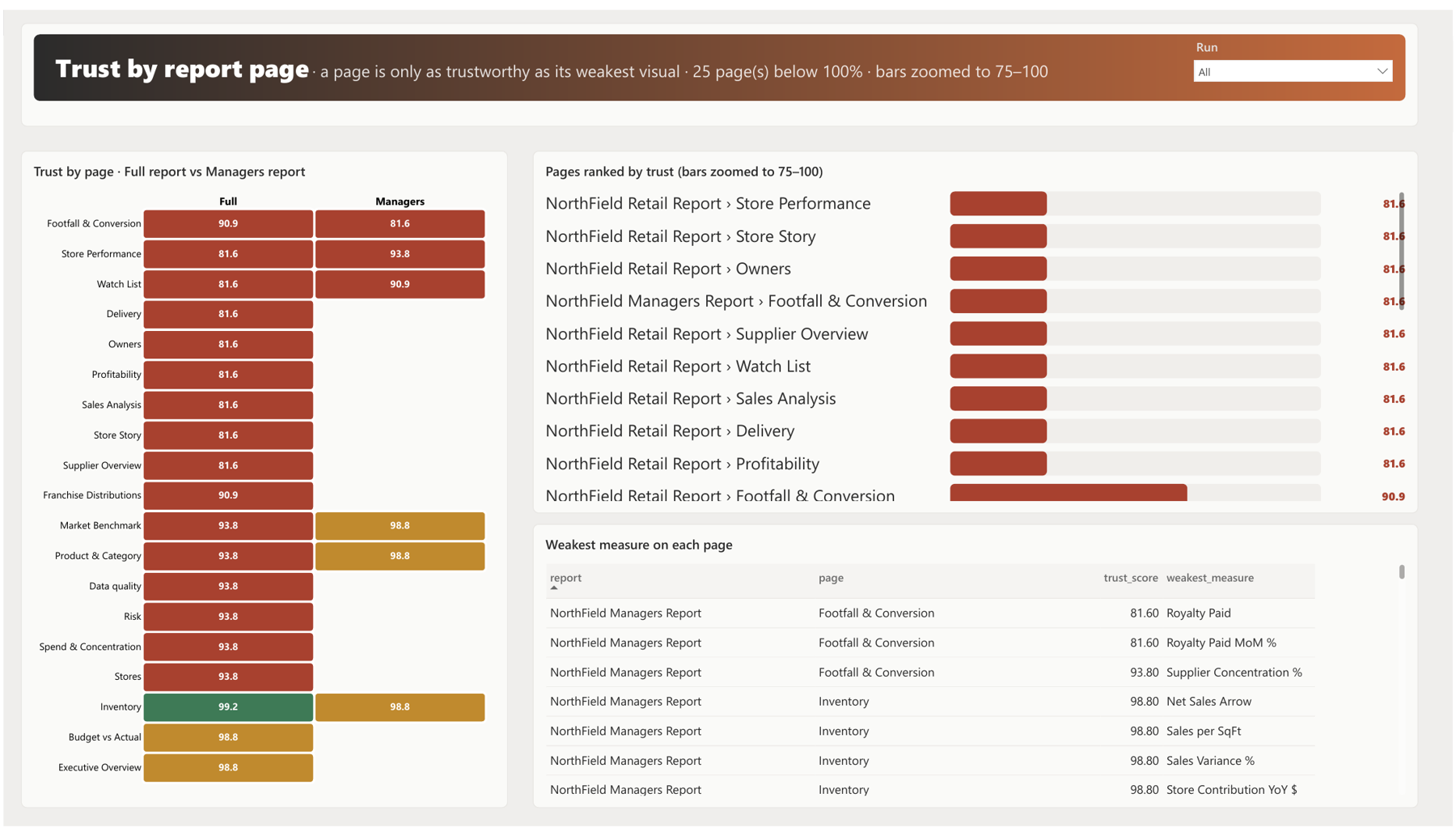
Measured, not asserted: a trust layer for every number in a Power BI report
A score on every measure and page, and a lineage graph that shows where each number came from. How the Trust Explorer was built on Microsoft Fabric.
Read →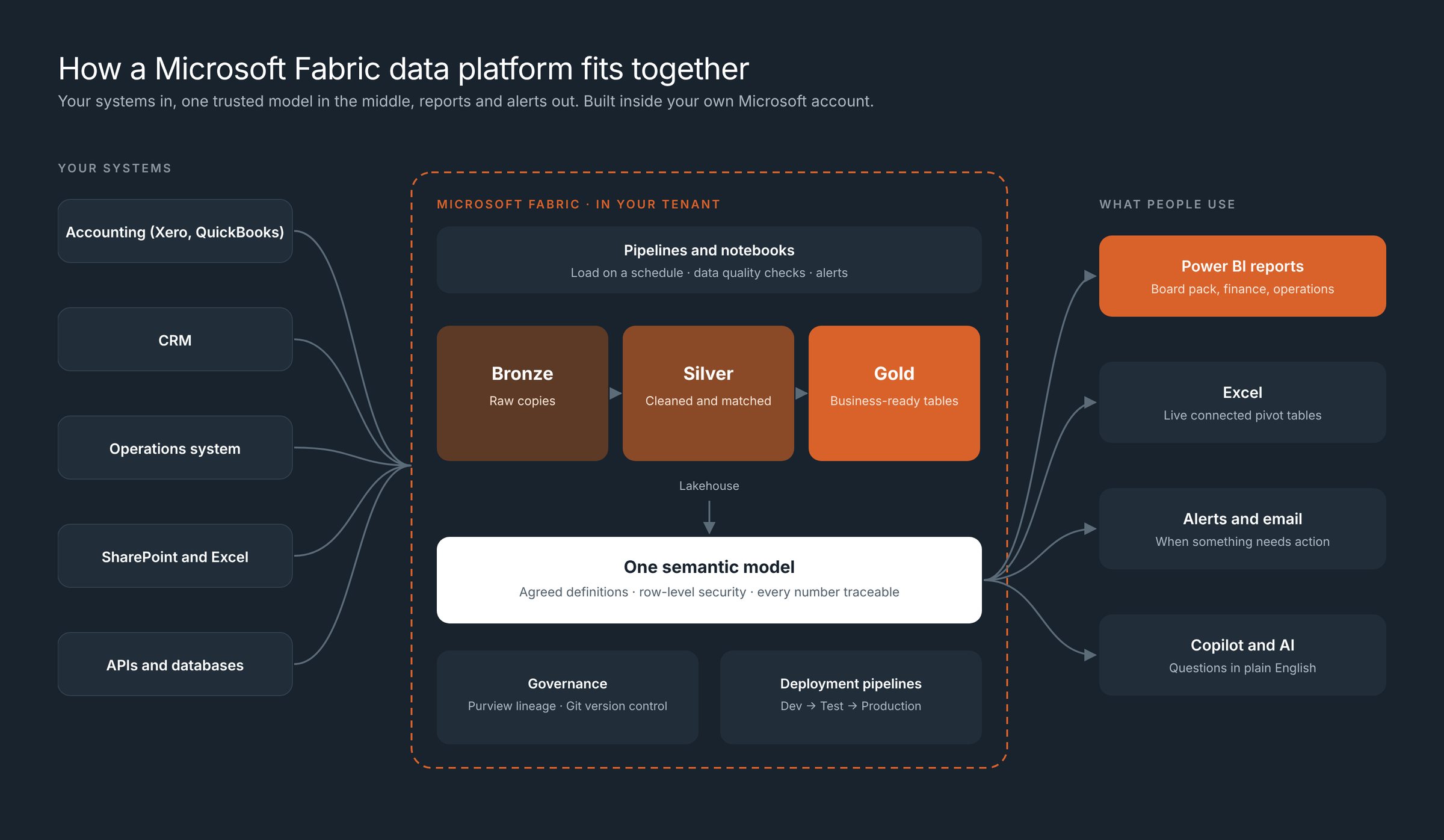
What happens after you connect your systems
Getting your data into one place is half the job. Knowing whether the numbers can be trusted decides whether anyone uses the reporting.
Read →One model, two jobs: write-back workflows in Microsoft Fabric Apps
Can an operational process live on the same governed model as the reporting? A leave tracker built to find out, with row-level security across both.
Read →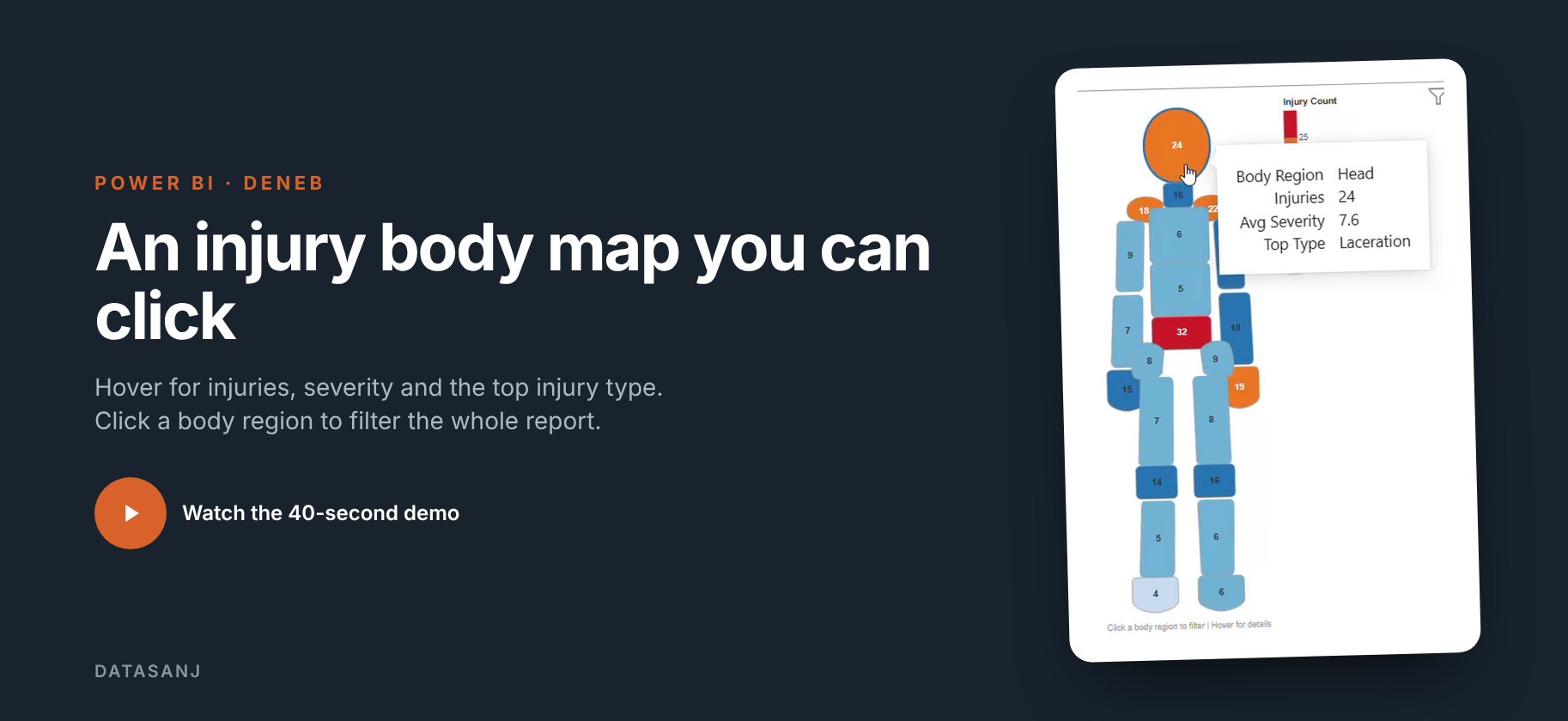
An interactive human body injury map in Power BI using Deneb
Twenty-two clickable body regions, heat-mapped by injury count, with full cross-filtering, built inside Power BI.
Read →What is MCP, and why should business owners care?
Model Context Protocol lets AI tools read your data where it already lives. What that changes for reporting, and what it doesn't.
Read →

New field notes by email
One email when something new is published. No roundups, no sales sequence.
Recognise the problem in your own reporting?
Book a free 30-minute call. Tell us which systems you run and how reporting gets produced now, and we'll give you a clear read on what's causing the gap and what closing it would involve.